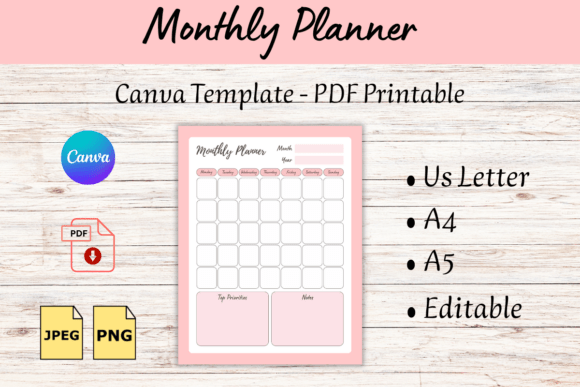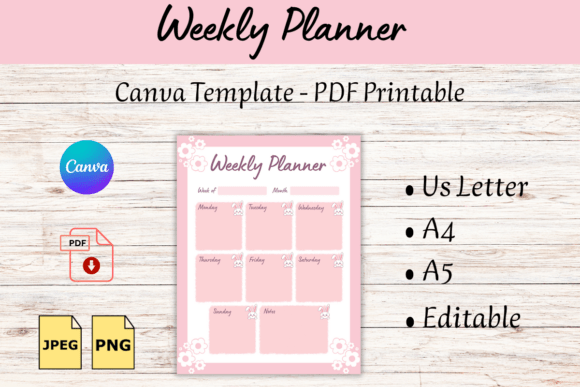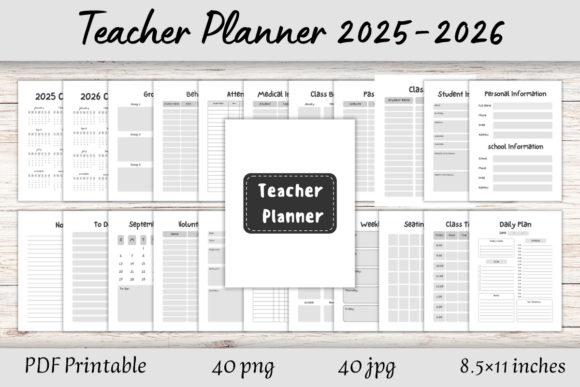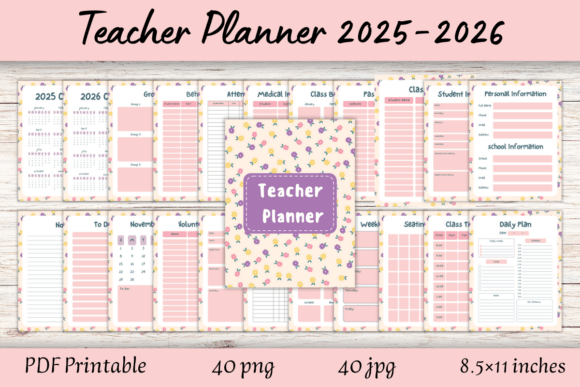
Homework Tracker Canva Template and PDF: A Practical Tool for Students and Educators
Every parent, teacher, or student has faced the nightly struggle of tracking assignments, managing deadlines, and staying on top of schoolwork. It’s easy to feel overwhelmed when trying to keep up with multiple subjects, projects, and due dates. That’s where the Homework Tracker Canva Template and PDF come in. This editable and printable planner is designed to help students take control of their workload, reduce stress, and improve homework completion rates—without the need for complicated tools or software.
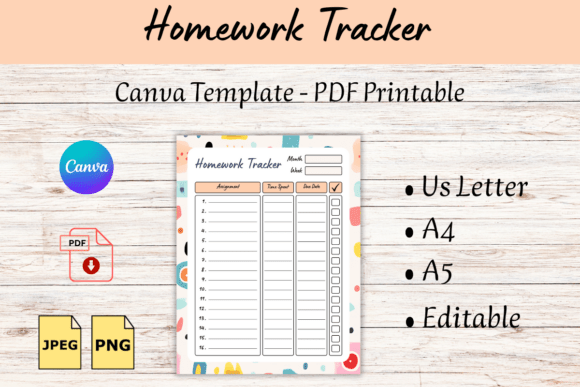
Whether you're a teacher looking for an effective classroom resource or a parent trying to support your child's academic success, this planner offers a simple yet powerful solution. It’s customizable, easy to use, and available in multiple formats, including Canva templates, JPG, PNG, and PDF. You can print as many copies as needed for personal use, making it a flexible option for families, classrooms, or individual study sessions.
Why Use a Homework Tracker?
Homework isn’t just about completing tasks—it’s about developing time management skills, responsibility, and a sense of accountability. Without a clear system, students may procrastinate, miss deadlines, or feel anxious about their work. A homework tracker helps address these issues by providing a visual way to organize tasks, track progress, and stay on top of responsibilities.
For example, imagine a high school student juggling multiple classes, extracurriculars, and part-time work. Without a structured approach, it’s easy to lose track of what needs to be done and when. A homework tracker allows them to break down assignments into manageable steps, set reminders, and monitor their progress throughout the week. This not only improves efficiency but also builds confidence and reduces stress.
Who Benefits from the Homework Tracker Canva Template and PDF?
The Homework Tracker Canva Template and PDF is ideal for a wide range of users, from students and teachers to parents and homeschoolers. Its versatility makes it a valuable tool in both academic and professional settings. Here are some real-world scenarios where it can make a difference:
- Students: High school and college students can use the tracker to manage assignments, study schedules, and project deadlines. It helps them stay organized and focused, especially during busy semesters.
- Teachers: Educators can distribute the tracker to students as a classroom resource. It encourages independent learning and provides a consistent structure for homework completion.
- Parents: Parents can use the tracker to support their children’s learning at home. It offers a clear way to check in on progress, offer guidance, and reinforce good habits.
- Homeschoolers: Families who homeschool can customize the tracker to fit their unique curriculum and schedule. It’s a great way to maintain structure and consistency in learning.
- Professionals and Entrepreneurs: Even adults can benefit from a similar tracking system. Whether managing client projects, personal goals, or daily tasks, a structured approach can boost productivity and reduce burnout.
How to Use the Homework Tracker Canva Template and PDF
Using the Homework Tracker Canva Template and PDF is straightforward. The template is designed for easy editing in Canva, so you can customize it to suit your specific needs. Whether you want to add your school’s logo, adjust the layout, or include additional sections, the flexibility of the template makes it easy to personalize.
Once edited, you can download the file in various formats, including PDF, which is perfect for printing. The A4, A5, and US Letter sizes ensure that it fits standard printers and binders, making it convenient for daily use. For those who prefer digital tools, the template can also be used on tablets or computers, offering a hybrid approach to tracking homework and tasks.
One of the key advantages of this tracker is its simplicity. It doesn’t require advanced design skills or expensive software. Even if you’re not familiar with Canva, the template is user-friendly and intuitive. You can start using it right away, without spending hours on setup or formatting.
Real-World Applications and Outcomes
Let’s look at a few practical examples of how the Homework Tracker Canva Template and PDF can be used in everyday situations:
- Weekly Planning: A middle school student uses the tracker to plan out their weekly assignments. Each day, they update the planner with what they’ve completed and what’s coming up. This helps them stay ahead of deadlines and avoid last-minute cramming.
- Project Management: A college student working on a group project uses the tracker to assign tasks, set milestones, and track progress. It keeps everyone on the same page and ensures that nothing falls through the cracks.
- Parental Involvement: A parent reviews the tracker with their child each evening to discuss what was done and what needs attention. This routine fosters communication and accountability, helping the child develop better study habits.
- Customization for Special Needs: A special education teacher adapts the tracker to meet the needs of individual students. By adjusting the format and adding visual cues, they create a more accessible and supportive tool for learning.
What to Consider Before Using the Homework Tracker Canva Template and PDF
Before downloading or using the Homework Tracker Canva Template and PDF, there are a few things to keep in mind:
- Format Compatibility: Make sure the template works with your preferred software or device. The Canva version is great for editing, while the PDF is ideal for printing.
- Personalization Options: Consider how much customization you’ll need. The template allows for basic edits, but if you have specific requirements, you may need to adjust it further.
- Usage Rights: The template is for personal use only. If you plan to share it with others or use it commercially, check the licensing terms to ensure compliance.
- Learning Curve: While the template is easy to use, some users may need a short period to get comfortable with the layout and features. Take time to explore the options and find what works best for you.
The Homework Tracker Canva Template and PDF is more than just a planner—it’s a practical tool that empowers students and educators to manage their workload effectively. Whether you’re looking to improve homework completion, build better study habits, or simply stay organized, this resource offers a straightforward and customizable solution. With its ease of use, flexibility, and focus on real outcomes, it’s a valuable addition to any student’s or teacher’s toolkit.