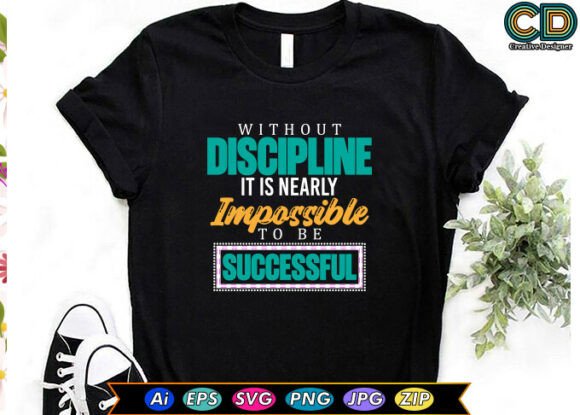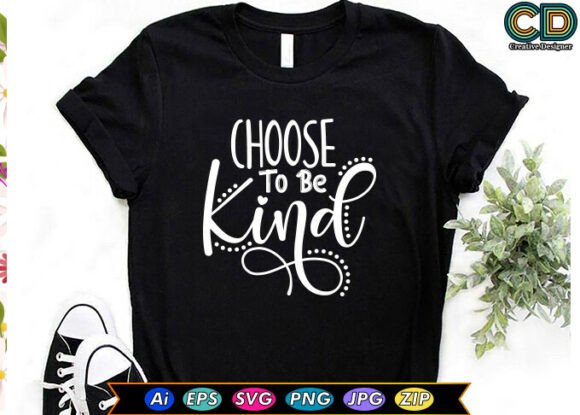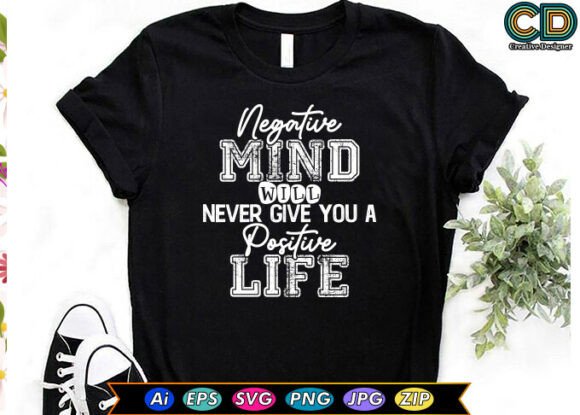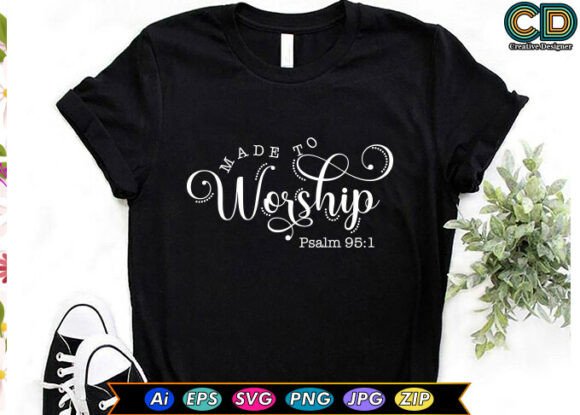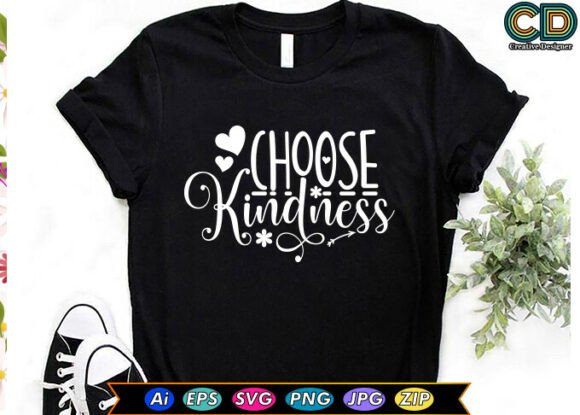
Choose Kindness Motivational Quotes T‑shirt Designs
Wearing a message is one thing. Wearing a message that resonates the right way is another. The phrase “Choose Kindness” has become a staple in motivational apparel, and for good reason. It is simple, direct, and carries a sentiment that nearly everyone can get behind. But not all designs built around this phrase deliver the same result. Whether you are a small business owner looking to launch a new product line, a creator building a brand around positive messages, or someone who simply wants a quality tee that reflects a personal value, there are several practical considerations that make the difference between a design that connects and one that falls flat.
What the “Choose Kindness” Design Bundle Actually Includes
Before you download or purchase any set of files, it helps to know exactly what you are working with. A typical high-quality bundle for “Choose Kindness” motivational quotes T‑shirt designs includes a JPG file for quick previews, an editable AI file for Adobe Illustrator users, an SVG file for scalable vector work, an EPS file for compatibility across different design software, and a transparent PNG file with a resolution of 4500×5400 pixels at 300 dpi. That last format is especially useful because it allows you to place the design on any colored background without white boxes or messy edges. The files are compressed into one ZIP folder, so after download you simply extract them or double-click to open them directly on most systems.
One misunderstanding that arises frequently is believing that all these files are interchangeable in terms of editing ease. They are not. The AI, SVG, and EPS files are vector-based, meaning they can be scaled up or down without losing sharpness. The JPG and PNG are raster files, fixed at that high resolution. If you plan to resize the design significantly for larger prints—say on a poster or a tote bag—you want to use the vector formats. If you are just placing it on a standard t‑shirt mockup, the PNG often works perfectly right out of the folder.
Common Mistakes When Choosing Motivational Quote Designs
One of the most frequent errors people make is selecting a design solely based on how it looks on a screen without considering how it will appear on fabric. A design with thin lines, delicate typography, or very small text may look elegant in a digital preview but can become illegible when printed on a t‑shirt, especially after a few washes. The “Choose Kindness” message works best when the typography is bold enough to remain readable at a distance. If the letters are too thin or too tightly spaced, the message gets lost.
Another mistake is ignoring the color palette. A design that uses colors that clash with common t‑shirt blanks can limit your production options. Neutral, versatile color schemes—soft pastels, earthy tones, or classic black and white—tend to work across a wider range of shirt colors. If you are producing for a brand that already has a specific color identity, you want to check whether the design’s palette can be adjusted easily. With the editable AI, SVG, or EPS files, you can change colors in minutes. But if you only have the JPG or PNG, you are stuck with the original colors unless you do painstaking manual editing.
Overlooking the File Format for Your Printing Method
Different printing methods require different file preparations. For screen printing, you typically need separated color layers, often provided in vector format. For direct-to-garment (DTG) printing, a high-resolution PNG with a transparent background is usually the most straightforward option. For sublimation, you need a mirrored version of the design, and the colors must be compatible with sublimation inks. Many people download a bundle, assume the PNG is sufficient for everything, and then run into issues when the printer asks for a layered vector file or a specific color profile. A quick check with your printer before finalizing the design can save a lot of rework.
The transparency of the PNG file is another detail that is easy to overlook. A transparent PNG at 4500×5400 pixels with 300 dpi is large enough for most apparel applications, but you need to confirm that the transparency is genuine—some files have a white or colored background disguised as transparent. Open the file in a program that supports transparency, place it over a dark background, and verify that no halo or edge remains around the design. This small step can prevent a disappointing print.
How These Mistakes Affect Your Results
When the typography is too thin or the contrast is poor, the shirt simply does not communicate the intended message. Someone walking past may see a blob of color rather than the words “Choose Kindness.” That defeats the purpose of a motivational quote tee. When the colors are not adaptable, you limit your product range. When the file format is wrong for your printing method, you either delay production while you convert files yourself or pay someone else to do it. And when the transparency has issues, you end up with a white box around the text on a dark shirt, which looks unprofessional and can hurt sales, especially if you are selling to customers who expect quality.
For entrepreneurs and small business owners, these problems translate directly into lost time, increased cost, and sometimes damaged reputation. A customer who receives a shirt with a poorly printed design is unlikely to order again, and they may share their disappointment online. For hobbyists and creators, the frustration can kill the motivation to keep making. Getting the details right from the start makes the entire process smoother and more satisfying.
Practical Advice for Getting It Right
Start by opening the vector files (AI, SVG, or EPS) in your design software of choice. If you do not have Adobe Illustrator, free alternatives like Inkscape can handle SVG files capably. Check the stroke weights of the typography. If any lines are thinner than 1.5 points for small prints or 2.5 points for standard t‑shirt sizes, consider thickening them slightly. Thicker strokes hold up better through printing and washing cycles.
Next, test the design on a few shirt colors. Place the PNG over a white, black, heather gray, and a color that matches your brand. Adjust contrast and colors as needed. If you are using the design for multiple products—shirts, cups, bags, decals, stickers—you may want to create different color variations for different backgrounds. The editable files give you that flexibility, so take advantage of it.
If you are new to working with vector files, spend a few minutes learning how to ungroup elements and separate layers. Many motivational quote designs bundle the text with decorative elements like leaves, hearts, or abstract lines. Being able to isolate the text from the decoration gives you more control over placement and sizing. For example, you might want the text large across the chest and the decorative element smaller on the sleeve or back. That kind of customization is straightforward when you work with the vector files, but nearly impossible with the raster versions.
What to Check Before You Make a Final Decision
Before you commit to using a particular “Choose Kindness” design bundle, verify a few key details. Check the license terms. Some bundles are sold for personal use only, while others allow commercial use with or without attribution. If you are selling shirts online, you need a commercial license. If the product page is unclear, contact the seller before purchasing. This is one step that many beginners skip and later regret when they receive a takedown notice or have to pull products from their store.
Also check the resolution of the included PNG file. 4500×5400 pixels at 300 dpi is excellent for most applications, but if you plan to use the design on very large items like banners or hoodie backs, confirm that it scales cleanly. Even at that resolution, scaling up beyond 150 percent may introduce pixelation. For large prints, rely on the vector files.
Look at the sample mockups provided by the seller. They often show the design on a white or light-colored shirt. That can be misleading. If the design looks good on a dark shirt in the mockup, that is a better sign that the transparency and contrast are handled well. If all mockups are on light backgrounds, proceed with caution and test the transparency yourself.
Another overlooked aspect is the ZIP folder structure. Some bundles have files organized by format, with clear file names. Others dump everything into one folder with cryptic names. A well-organized folder saves time and reduces errors. If you are buying a bundle, look for sellers who provide clear file naming and perhaps a brief readme file with printing guidelines.
Using the Design Across Different Products
The same “Choose Kindness” design can work on a t‑shirt, a coffee mug, a tote bag, a sticker, and a phone case, but the application method varies. For sublimation on mugs and polyester fabrics, you need a mirrored version of the design. For stickers and decals, a cut line around the design is helpful. Many vector files allow you to create a contour cut path easily. For bags and tote bags, consider the size of the print area—a design that fits a shirt front may be too large for a standard tote. The editable files let you scale, rotate, and reposition elements without losing quality.
If you are producing for a retail line, consistency across products matters. Using the same core design in different colors and sizes, but keeping the typography and overall layout consistent, builds brand recognition. Customers who buy a “Choose Kindness” tee may also want a matching water bottle or notebook. Having the design in multiple editable formats makes that expansion much simpler.
Final Thoughts on Choosing the Right Motivational Quote Design
A motivational quote on a t‑shirt is more than decoration. It is a statement of values, a conversation starter, and sometimes a daily reminder for the wearer. The “Choose Kindness” message has genuine emotional weight when done well. That weight comes through when the design is clear, the colors are intentional, the file formats match the production method, and the execution is professional. Taking the time to check stroke thickness, transparency, color adaptability, and license terms transforms a decent bundle into a reliable asset for your creative or business projects.
The bundles available today often come with excellent resolution and multiple formats, but the responsibility for getting the final result right still rests with the person preparing the files. Treat the design as a raw ingredient rather than a finished product. With a few adjustments, you can make it your own, ensure it prints beautifully across multiple surfaces, and deliver a message that truly lands. That is the difference between a shirt that gets worn once and one that becomes someone’s go‑to favorite.